


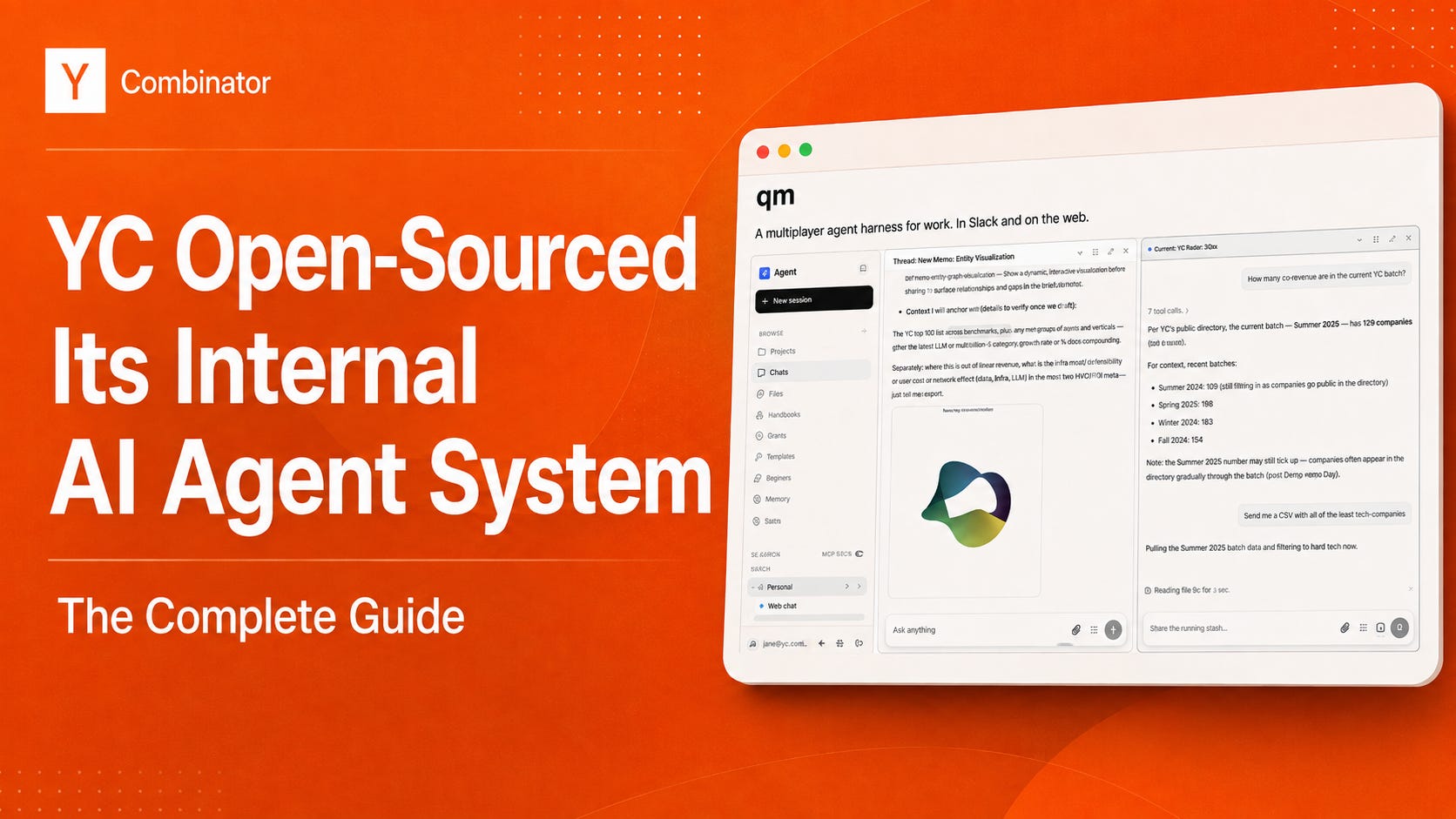
The most capable AI in your company probably runs in a terminal window on one technical person’s laptop. Your ops person, your accountant, the co-founder who handles legal, none of them will ever open a terminal.
So the best tool in the building serves one person, stops the moment their laptop closes, and everything it learns dies in their session history.
Y Combinator hit that wall and did something about it, open-sourcing their internal system. It’s called QM, and it’s the first time you can open up the operating system of the most imitated accelerator in the world and run the same thing in your own company.
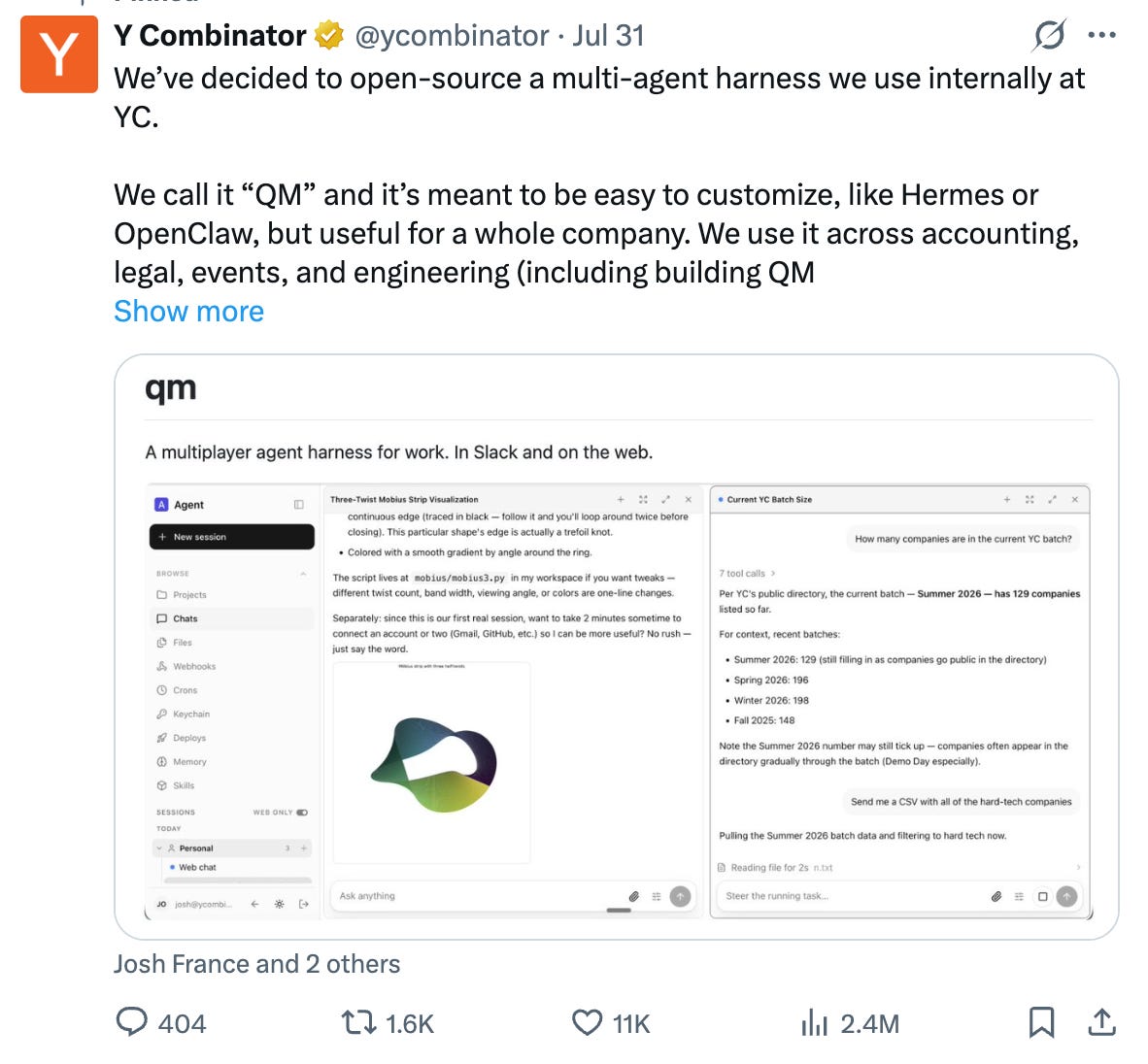
So what is it, concretely? Software you install and run yourself: a server plus a database, on a cloud account you own. It has no AI of its own. You plug in your own API key, the access code that lets software talk to an AI provider directly, and from that moment the intelligence answering you is Anthropic’s or OpenAI’s.
What you get. Same prompts, same intelligence. What changes is who can reach it and what it’s allowed to do:
A web page and a Slack bot
Work that happens with nobody present. It runs on a server, so recurring jobs fire on schedule or when something changes, whether or not anyone is logged in.
A private space for every person, plus shared rooms that carry their own memory, separate from anyone’s personal one.
Recurring jobs that belong to the room where you created them, posting there for the whole team and running regardless of who set them up or whether they’re still at the company.
Skills that can be handed over. A prompt one person perfects can be granted to a colleague or promoted by an admin to the entire company.
Rules that hold across everyone. An organization-wide setting for how cautious the agent must be, which departments can tighten but never loosen, a log of every action and who triggered it, and hard spending ceilings per person and for the company.
Your conversations and files stored in a database you control, with direct usage billing from Anthropic or OpenAI on your own key, plus your hosting bill.
A license fee of zero at any headcount, and the right to modify the software under the MIT license, including commercially.
📚 What follows is the complete guide: everything it can do, how to get it live in an afternoon, and the exact prompts to run first.
Inside you will find:
What’s New and What You Can Hand It
How to Get It Running
What to Actually Do With It (Real Copy & Paste Prompts)
Slack, Connectors and Adding Your Team
Powerful models are only as useful as the company context they can access!
Make enterprise AI actually work with Glean, the context layer that connects every model, tool and workflow.
Glean connects your organization’s knowledge, people, permissions and activity to give AI the understanding it needs to deliver relevant, secure and work-ready results.
With one governed context and intelligence layer across tools like Claude, Cursor, Copilot, and custom agents, Glean helps your company:
Give AI the right context: connect knowledge across 275+ enterprise applications while preserving permissions, metadata and access controls
Get more value from every model: improve retrieval, reduce unnecessary tool calls and use approximately 30% fewer tokens than off-the-shelf MCP tools.
Stay flexible as AI evolves: access 35+ models (including Claude, GPT and Gemini) without rebuilding your context layer or locking your company into one provider
The complete guide is available exclusively to paid subscribers!
Paid subscribers unlock the full library: 200+ decks, 10,000+ investors, AI Agent playbooks, and fresh high-signal content every week.
Not subscribed yet? Try it free for 7 days and unlock this guide, plus our full premium library:
We’re already 80,000+ founders and operators inside!
Let’s begin!